Combination of Recommended Hardware & Software For Each Industry
Everything you need to simplify operations, boost efficiency, and take your business further.
Faster Checkout
Shorten queues and improve customer experience.
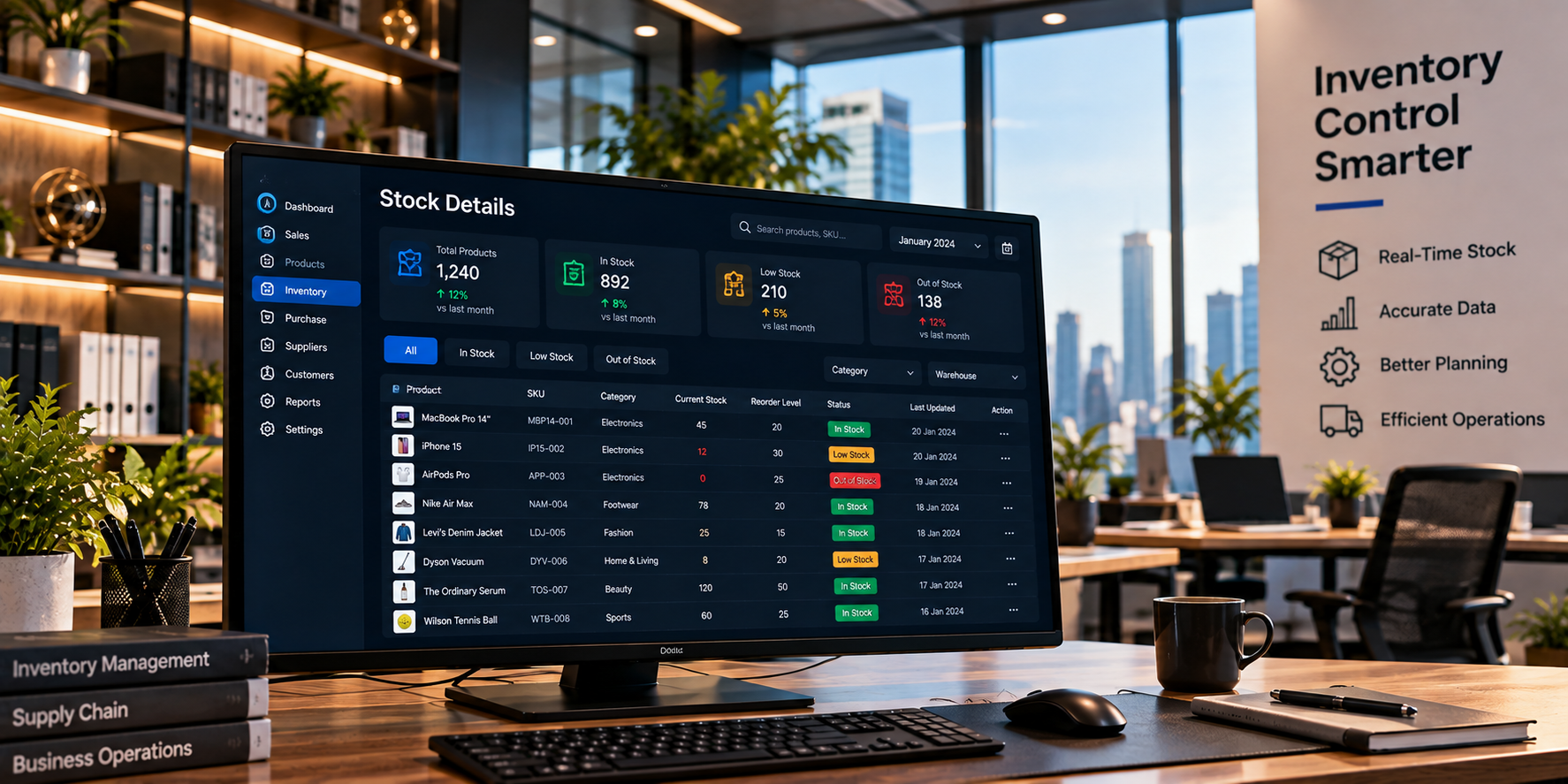
Real-Time Inventory
Know what's in stock, what's low and what sells best.
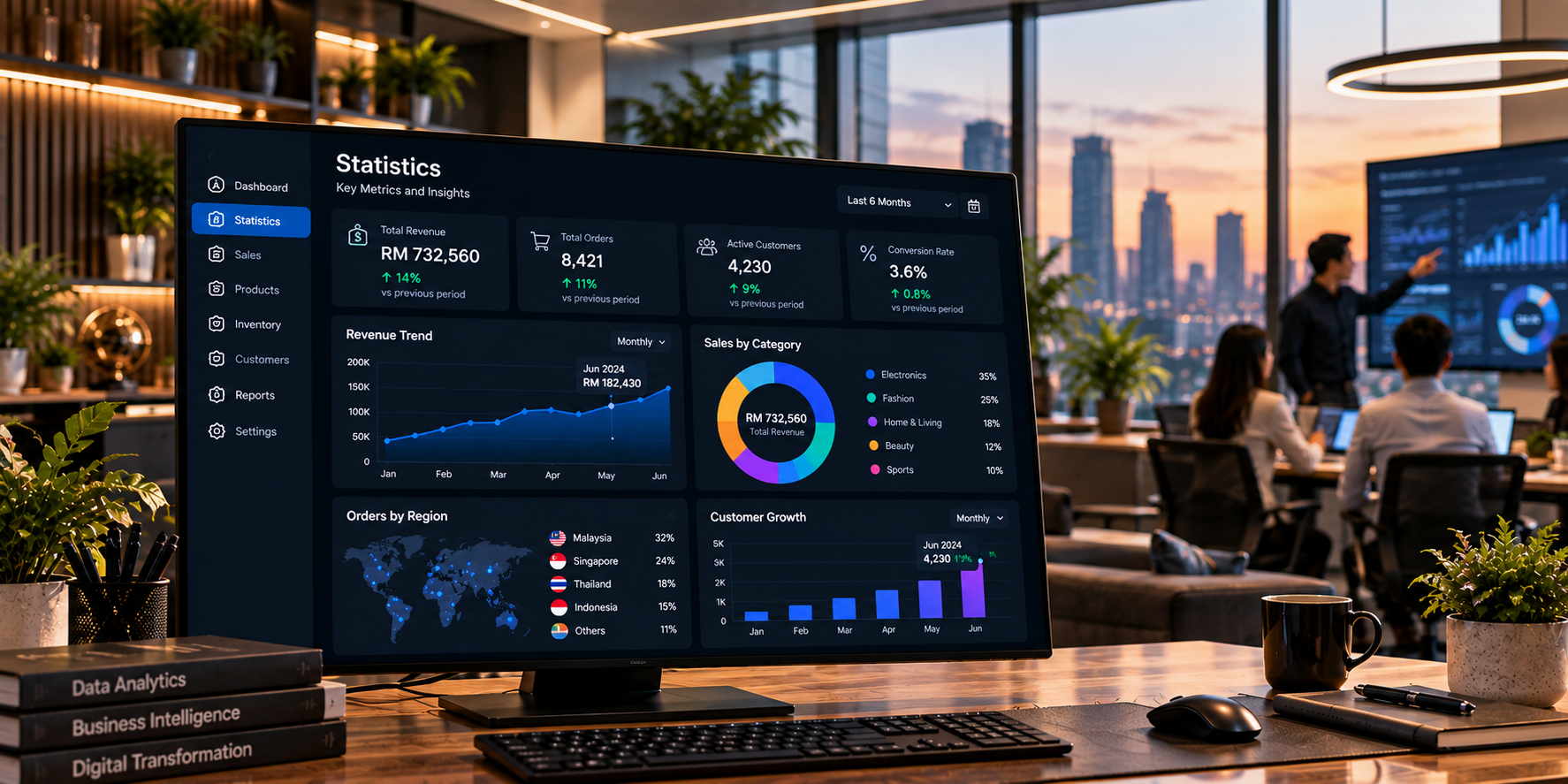
Better Decisions
Get insights that help you plan and grow with confidence.
Seamless Integration
All your retail processes, connected in one powerful system.
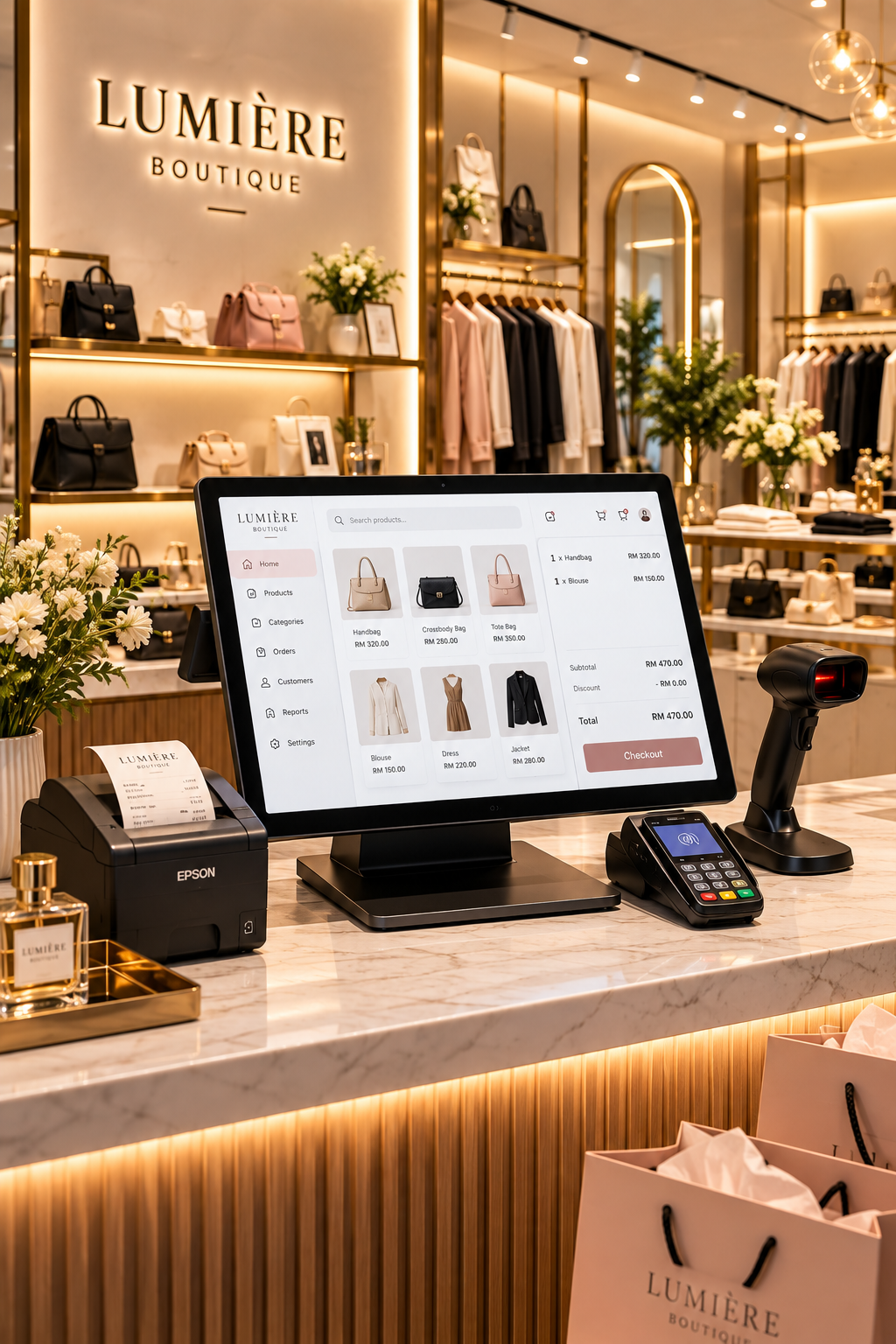
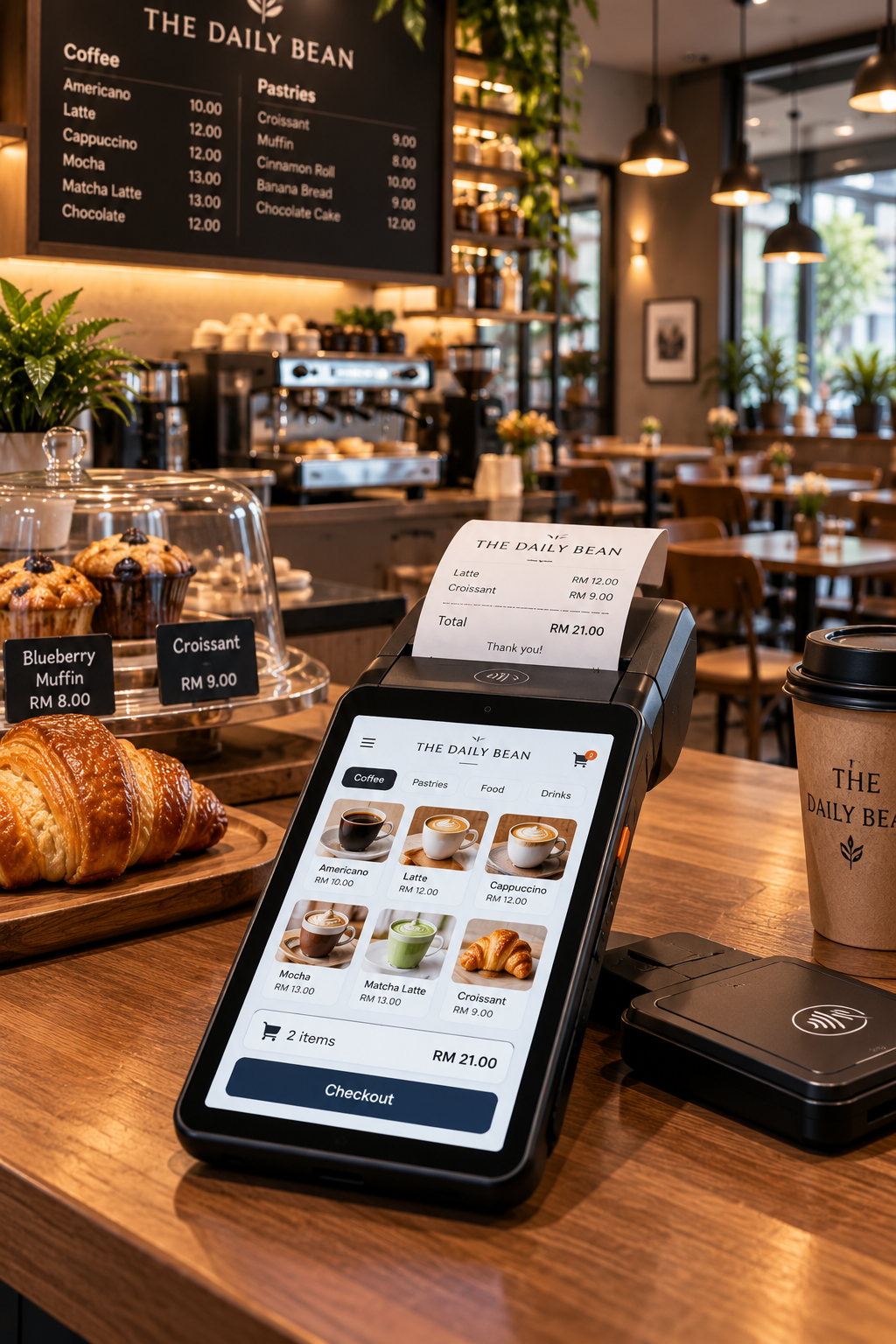
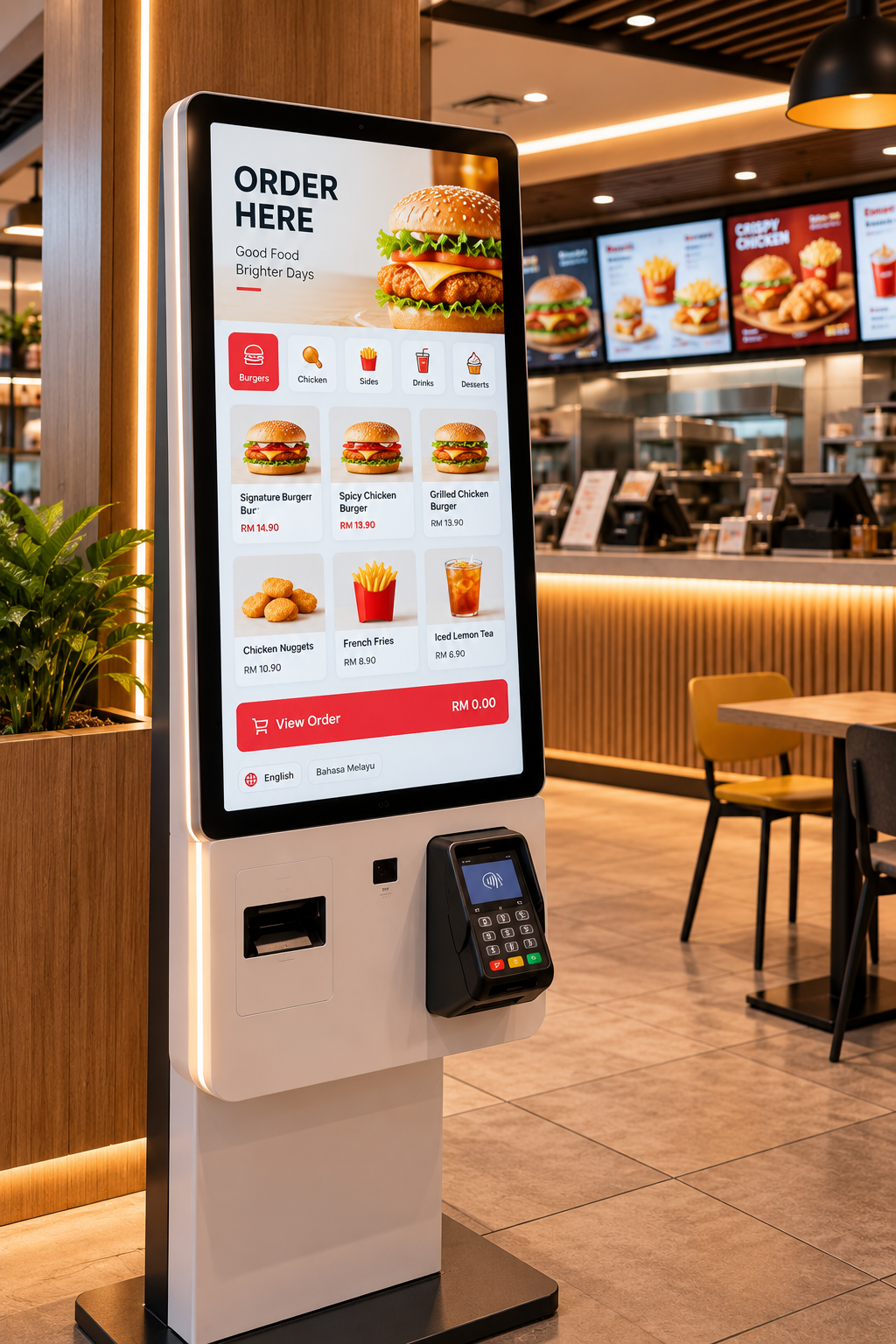
Find the Right Software for Your Business
Complete three short steps and we'll recommend suitable software based on your business profile.
Choose Your Industry
Select the category that best represents your business.
Select Your Firm Size
Choose the option closest to your current employee count.
Complete Your Business Profile
Answer three quick questions to narrow down your software recommendation.
Matching your business profile
Comparing your selections with suitable software options.
Your Recommended Software
Based on the business profile you provided.
Other software that also fits your business profile.
Build Your Technology Stack
Choose your industry and discover how recommended software and hardware combine into one business technology environment.
Choose Your Industry
Your recommended software and hardware configuration updates automatically.
Your Technology Stack
Software and hardware suited for modern retail checkout and daily business operations.
Scalable
Expand outlets, devices and users as your business grows.
Reliable
Designed to support continuous day-to-day business operations.
Connected
Build software and hardware around one operating environment.
Controlled
Improve visibility across transactions, users and operational information.
One Action. Everything Updates.
Trigger a business event and watch AutoCount create a connected chain reaction across POS, inventory, accounting and reporting.
Customer buys Product A
One transaction enters the system and starts a connected business workflow.
Retail Sale is ready
Click “Trigger Workflow” and follow each automatic update from POS to reporting.
AutoCount POS
The sale is recorded once at the checkout counter.
Stock Control
Product quantity is reduced automatically after the sale.
Financial Sync
The correct financial entry is posted without re-entering the transaction.
Live Business Data
Management reports refresh using the latest transaction data.
One sale updated the whole business.
POS, stock, accounting and reporting are now synchronized automatically.
How Everything Works Together
From scanning a product to reviewing business insights, every step stays connected automatically.
Scan
Scan your product barcode.
Checkout
Process the sale quickly.
Receipt
Print or email a receipt.
Inventory Updated
Stock is deducted automatically.
Data Sync
Sales and stock sync in real-time.
Accounting
Transactions are recorded automatically.
Insights
View reports and grow your business.
Designed to Create a More Connected Business
Connect your key business functions for better control, visibility and efficiency.
One System, Stronger Operations
Connect every capability into one smoother business flow.
Improved Customer Experience
Faster service and shorter queues.
Accurate Inventory Control
Reduce stockouts and excess stock.
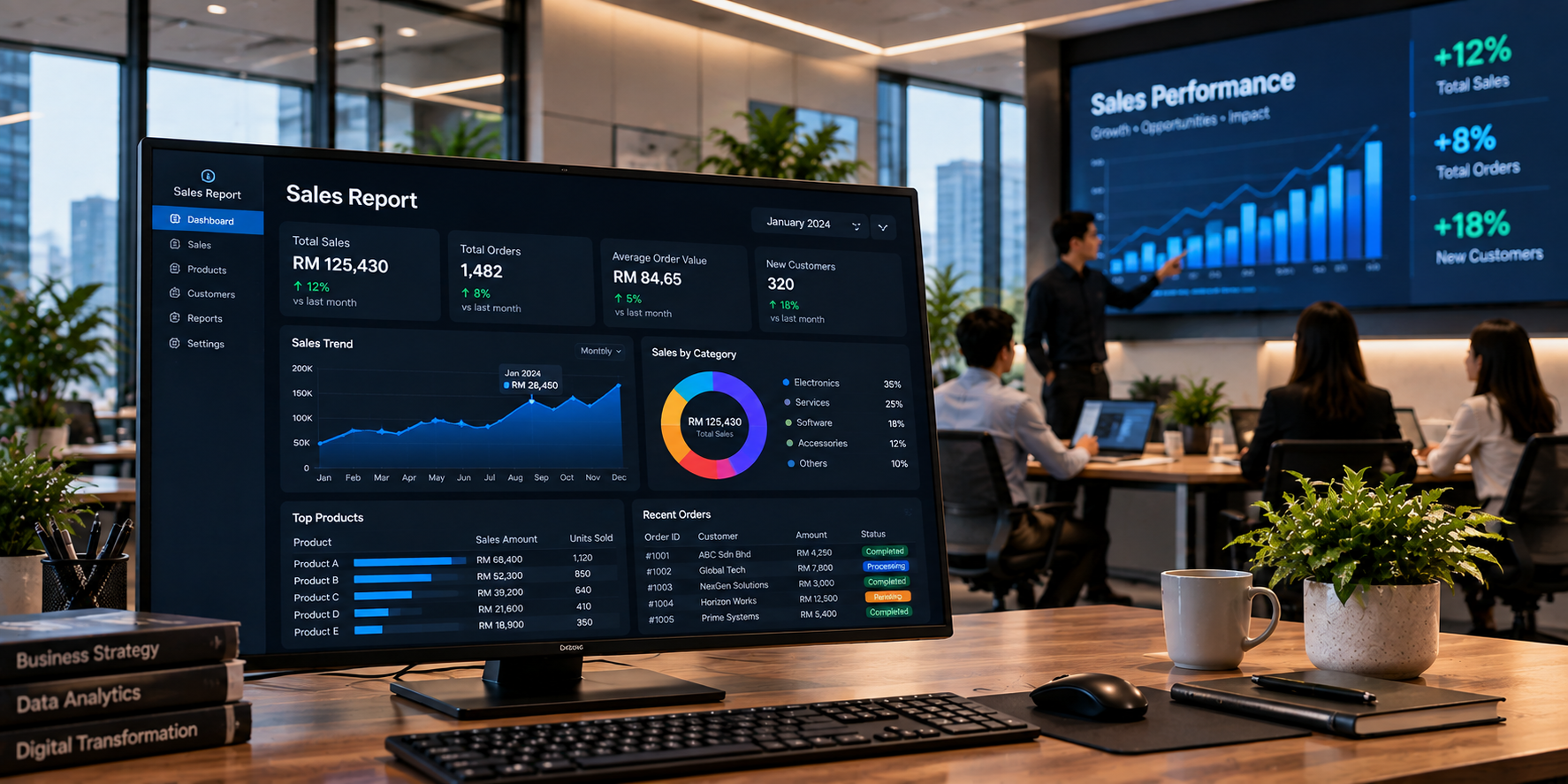
Better Business Insights
See the numbers that matter.
Saves Time & Cost
Automate work and reduce manual effort.
Supports Business Growth
Scale across stores and users.
Secure & Reliable
Keep business data protected.